AIRGO™3 COLLECTION
AirGo™3 delivers Clear and Crisp Audio with a volume of
up to 100 decibels for music, podcasts, calls and more.
Patented Whisper® Technology offers superior speech recognition that removes ambient noise for the best sound quality even in the noisiest environments - making it ideal for conversational Al through ChatGPT.
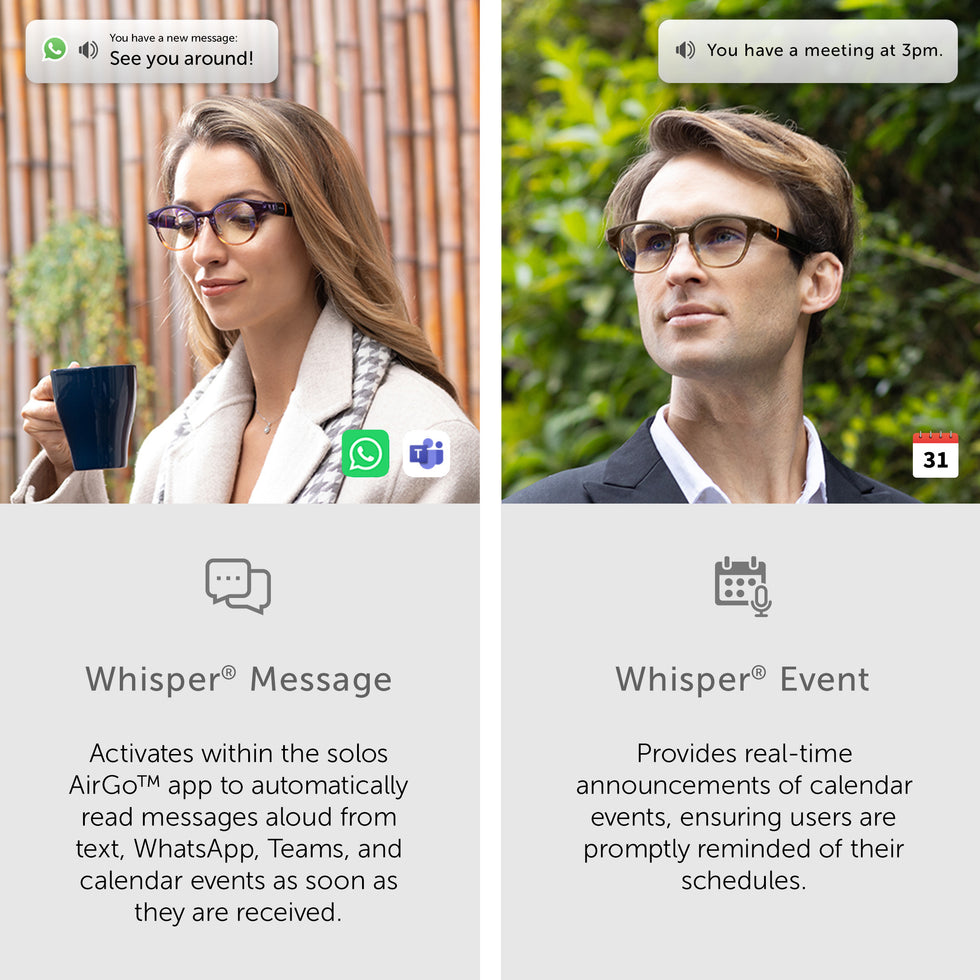
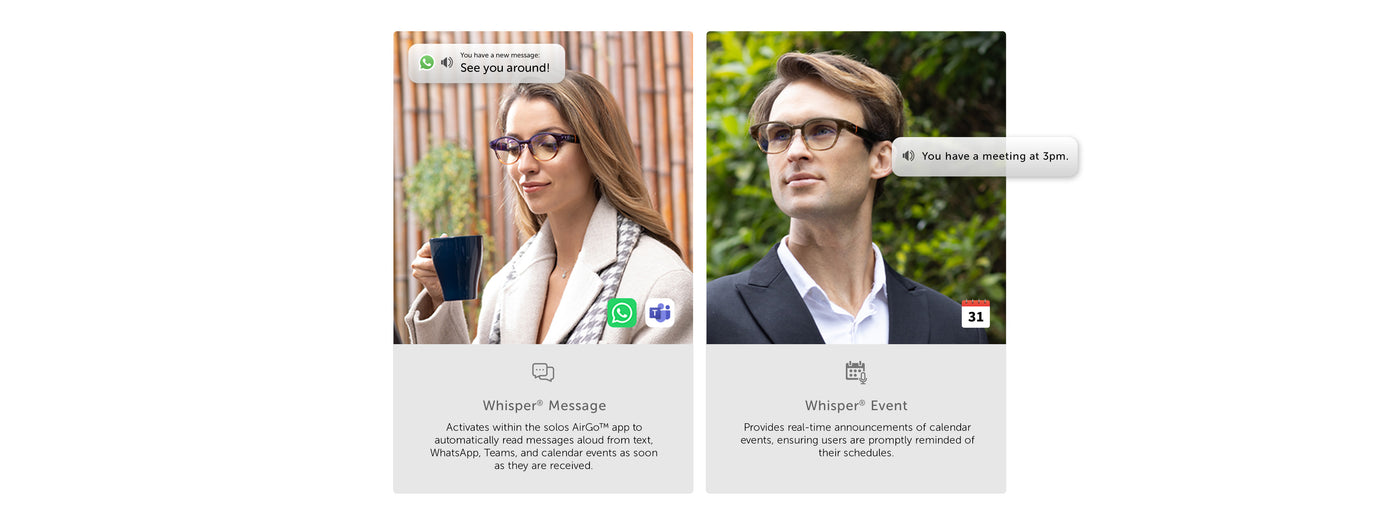
The dual-direction speakers with an open-ear design allow for situational awareness when on the go to prioritize safety. Activate Whisper® Messages and Whisper® Events within the solos / AirGoTM app to automatically have messages read aloud from text, WhatsApp, Teams, calendar events and more, as soon as they are received.
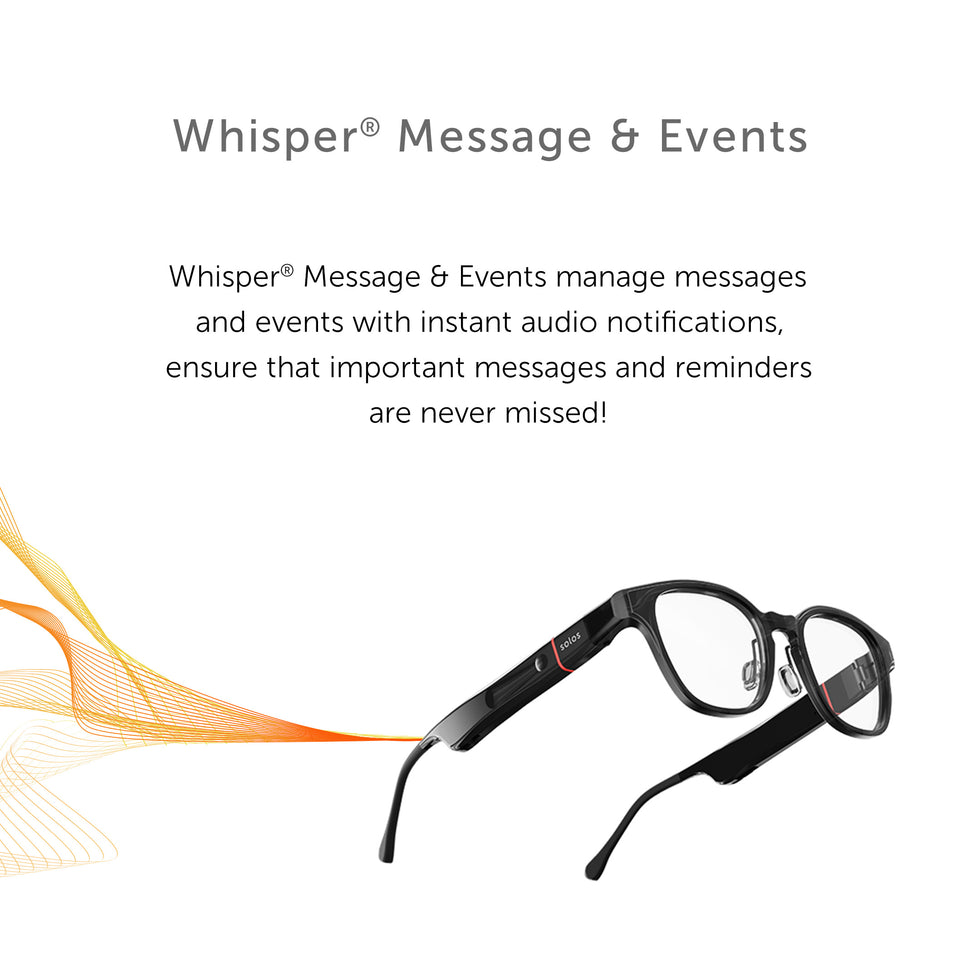
Whisper® Message & Event - Superior audio quality through Whisper® Technology
Powered by Whisper® Audio the unmatched open-ear directional stereo speakers
AirGo™3 delivers clear and crisp audio with a volume of up to 100 decibels for music, podcasts, calls, and more. Patented Whisper® Technology offers superior speech recognition that removes ambient noise for the best sound quality even in the noisiest environments - making it ideal for conversational AI through ChatGPT. The dual-direction speakers with an open-ear design allow for situational awareness when on the go to prioritize safety.
Activate Whisper® Messages and Whisper® Events within the Solos / AirGo app to automatically have messages read aloud from text, WhatsApp, Teams, calendar events and more, as soon as they are received.
One-Stop Communication Platform

Personal Settings

Whisper™ Message & Event
Powered by Whisper™ Audio the unmatched open-ear directional stereo speakers
AirGo™3 delivers clear and crisp audio with a volume of up to 100 decibels for music, podcasts, calls, and more. Patented Whisper™ Technology offers superior speech recognition that removes ambient noise for the best sound quality even in the noisiest environments - making it ideal for conversational AI through ChatGPT. The dual-direction speakers with an open-ear design allow for situational awareness when on the go to prioritize safety.
Activate Whisper Messages and Whisper Events within the Solos / AirGo app to automatically have messages read aloud from text, WhatsApp, Teams, calendar events and more, as soon as they are received.
One-Stop Communication Platform
Personal Settings
Follow below steps to enable Whisper® Event on iPhone
- Choose "Whisper® Events" on "MY GLASSES" screen to open Whisper Events settings
- Switch on "Whisper® Events"
- Choose "Allow Full Access" if Solos AirGo app requests "Calendar Access" permission
- The "Whisper Events" button on "MY GLASSES" screen will be highlighted in RED after it is enabled.
- Keep Solos AirGo app runs in background (DO NOT close the Solos AirGo app) in order to receive the Whisper® Event
- If the phone is NOT in silent mode, and when an event in Calendar app is about to start, the Solos Smartglasses will read the title of this event automatically.
Follow below steps to enable Whisper® Message on iPhone
- Choose "Whisper® Messages" button on "MY GLASSES" screen
- Select which IM apps (e.g. WhatsApp) you would like Solos Smartglasses to read the instant message for you.
- The selected IM apps must be installed with account setup properly on your phone, as well as the notification for IM apps are turned on.
- Choose "Pair" if Solos AirGo app requests "Bluetooth Pairing Request" permission
- Choose "Allow" if Solos AirGo app request "Allow Solos AirGo3 to Receive Your iPhone Notifications" permission
- The "Whisper® Messages" button on "MY GLASSES" screen will be highlighted in RED after this is enabled.
- Keep Solos AirGo app runs in background (DO NOT close the Solos AirGo app) in order to receive the Whisper® Message
- When receive the IM message (e.g. WhatsApp) next time, Solos Smartglasses will read the message automatically.
Follow below steps to enable Whisper® Event on Android
- Choose "Whisper® Events" on "MY GLASSES" screen to open Whisper Events settings
- Switch on "Whisper® Events"
- Choose "Allow" if Solos AirGo app requests "Send Notifications" permission
- Choose "Allow" if Solos AirGo app requests Calendar Access permission.
- The "Whisper® Events" button on "MY GLASSES" screen will be highlighted in RED after it is enabled.
- If the phone is NOT in silent mode, and when an event (nottask) in Google calendar app is about to start, the Solos Smartglasses will read the title of this event automatically.
Follow below steps to enable Whisper® Messages on Android
- Choose "Whisper® Messages" button on "MY GLASSES" screen
- Select which IM apps (e.g. Teams) you would like Solos Smartglasses to read the instant message for you.
The selected IM apps must be installed with account setup properly on your phone, as well as the notification for IM apps are turned on. - Choose "YES" in the below message to open the Notification Access Permission settings
- Select "Solos AirGo" app
- Switch on "Allow notification access" & Select "Allow"
- The "Whisper® Messages" button on "MY GLASSES" screen will be highlighted in RED after this is enabled.
- When receive the IM message (e.g. Teams) next time, Solos Smartglasses will read the message automatically.
Solos Smart Glasses are compatible with most devices that have the following operating systems: Apple iOS 11 and higher, Android OS 8.0 and higher.

Copyright © 2023 SOLOS.